#PowerJanta – Power BI January 2026 Feature Summary
· 2 min read
On this page
#PowerJanta – Power BI January 2026 Feature Summary
Here is my selection of noteworthy highlights from Microsoft Power BI January 2026 Feature Summary.
Copilot and AI
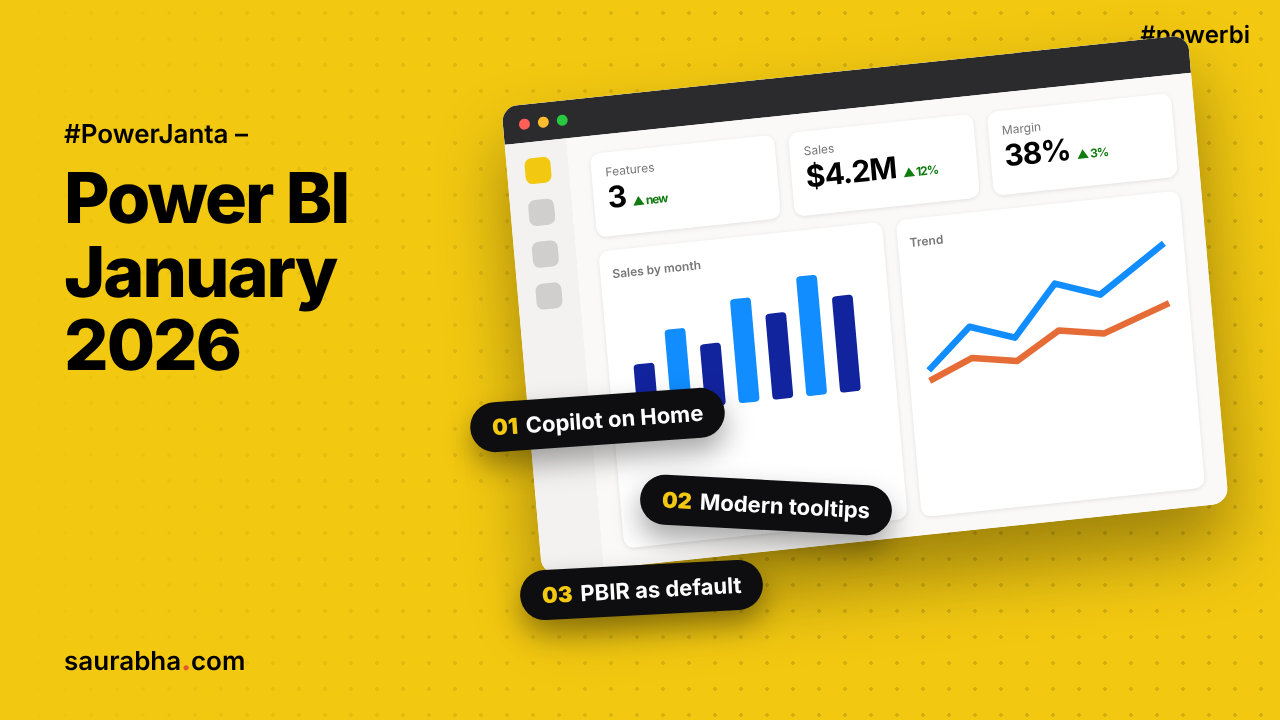
Standalone Copilot on Power BI Home
There is now a Copilot entry point right on the Home page. If you prefer the old layout, switch back to Recommended content using the picker at the top.

“Prepped for AI” is now “Approved for Copilot”
Just a rename, but the new name describes the purpose of the setting much better.

Reporting
Format pane improvements
The colour picker now has a reset to default option and a back button to return from custom colours to theme colours. You can also reset an individual formatting group without touching the rest of the visual.

Modern visual tooltips – Generally Available
Tooltips with a drill actions footer let you drill down, up or through right from the tooltip, and they follow your report theme colours.

Column sizing in tables and matrices
Columns are now sized by default based on their content, so tables and matrices look more compact. Grow to Fit is still there when you need it.

Modeling
Edit models with incremental refresh in the Service
Semantic models configured with incremental refresh can now be opened and edited in the Power BI Service. You can't download these models as PBIX though.
Developers
PBIR becomes the default format
The enhanced report format (PBIR) is switched on by default in the Service as a phased rollout, and Desktop follows with the March release. If you use Git for your reports, this is the one to watch.
Heads up
Q&A is going away
The legacy Q&A natural language tool is announced to be deprecated in December 2026. Microsoft's advice is to move to Power BI Copilot.
If you like this content or want me to stress on something, feel free to reach out to me at me@saurabha.com with your comments, suggestions and feedback.
To know more about #PowerJanta, click here.
Image Credits: Microsoft’s Official Power BI January 2026 Feature Summary
Keep reading
#PowerJanta – Power BI November 2026 Feature Summary
My picks from the Power BI November 2026 Feature Summary: style presets GA, list slicer dropdown GA, date picker as default slicer and org app audience conversion.
#PowerJanta – Power BI October 2026 Feature Summary
My picks from the Power BI October 2026 Feature Summary: chart plot area colors, auto-expand hierarchy axis, the custom visual skill and the mobile page indicator.
#PowerJanta – Power BI September 2026 Feature Summary
My picks from the Power BI September 2026 Feature Summary: agentic authoring GA, data answers in M365 Copilot Chat, Design ribbon and PBIP GA.