#PowerJanta – Power BI November 2026 Feature Summary
· 2 min read
On this page
#PowerJanta – Power BI November 2026 Feature Summary
Here is my selection of noteworthy highlights from Microsoft Power BI November 2026 Feature Summary.
Reporting
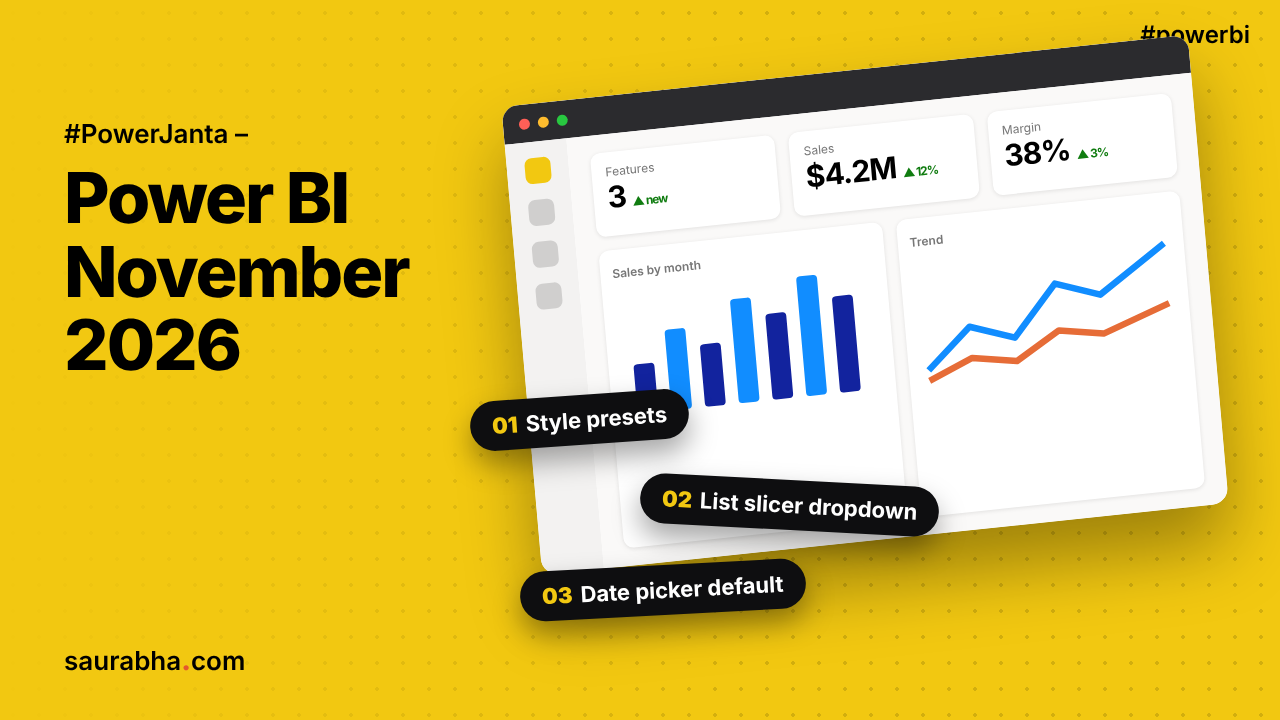
Add to style presets – Generally Available
Save visual formatting as a reusable style preset, make it the default and distribute it through report themes.

List slicer with dropdown and multi-line selection – Generally Available
Formatted dropdowns, selection pills and multi-line selection display. With Single line turned off, the selection box fills the visual and shows more selections before they are grouped into a count pill.

Date picker as the default date slicer mode – Generally Available
Date columns added to a slicer now default to Date picker mode.
Org apps
Convert existing org apps to use audiences
Org apps created before audiences existed can now be converted, so you can tailor content for different groups within one app.

If you like this content or want me to stress on something, feel free to reach out to me at me@saurabha.com with your comments, suggestions and feedback.
Check out my previous post titled #PowerJanta – Power BI October 2026 Feature Summary. To know more about #PowerJanta, click here.
Image Credits: Microsoft’s Official Power BI November 2026 Feature Summary
Keep reading
#PowerJanta – Power BI October 2026 Feature Summary
My picks from the Power BI October 2026 Feature Summary: chart plot area colors, auto-expand hierarchy axis, the custom visual skill and the mobile page indicator.
#PowerJanta – Power BI September 2026 Feature Summary
My picks from the Power BI September 2026 Feature Summary: agentic authoring GA, data answers in M365 Copilot Chat, Design ribbon and PBIP GA.
#PowerJanta – Power BI August 2026 Feature Summary
My picks from the Power BI August 2026 Feature Summary: modern visual defaults GA, date picker GA, donut center value, refresh controls and mobile export.