#PowerJanta – Power BI August 2026 Feature Summary
· 2 min read
On this page
#PowerJanta – Power BI August 2026 Feature Summary
Here is my selection of noteworthy highlights from Microsoft Power BI August 2026 Feature Summary.
Reporting
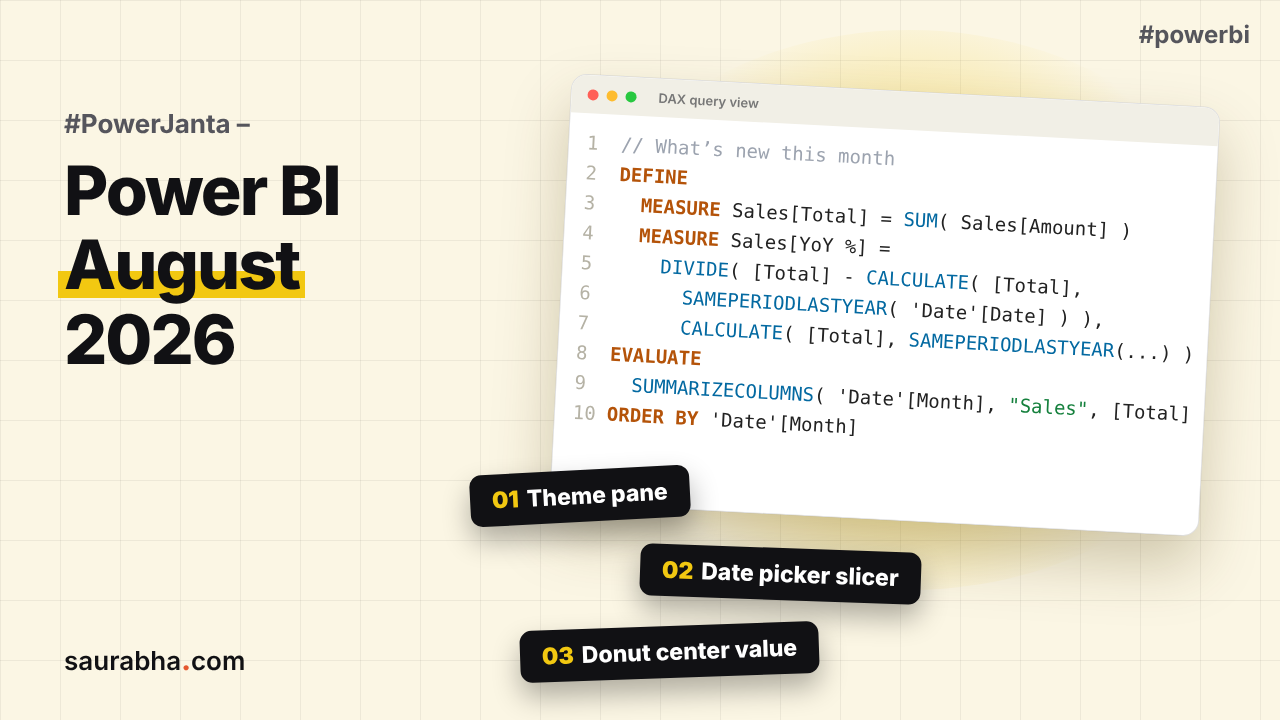
Modern visual defaults and Theme pane – Generally Available
New reports start with the Fluent 2 base theme. The Theme pane lets you set the base theme, colour palettes, text styles and visual and page properties, and import or export custom themes.

Date picker for slicers – Generally Available
Relative selections, a calendar and a slider, plus a Single date setting to restrict selection to one date.

Center value for donut chart – Generally Available
Show a value in the middle of a donut without overlaying a card. It updates with filtering and drill-down.

Modeling
More control over semantic model refresh
The Refresh button now offers Refresh schema and data, Sync schema only and Refresh data only, and you can refresh at table level.

Mobile
Export data to Excel from the mobile app
From focus mode or the More options menu, and it respects filters, drill state and row-level security.

Rotate view button
Switch layouts with one tap even when the phone is locked in portrait.

Developers
Faster PBIP development
Desktop detects external changes to PBIP files and offers a one-click reload, and there is a built-in entry point to open the project in VS Code.

If you like this content or want me to stress on something, feel free to reach out to me at me@saurabha.com with your comments, suggestions and feedback.
Check out my previous post titled #PowerJanta – Power BI July 2026 Feature Summary. To know more about #PowerJanta, click here.
Image Credits: Microsoft’s Official Power BI August 2026 Feature Summary
Keep reading
#PowerJanta – Power BI November 2026 Feature Summary
My picks from the Power BI November 2026 Feature Summary: style presets GA, list slicer dropdown GA, date picker as default slicer and org app audience conversion.
#PowerJanta – Power BI October 2026 Feature Summary
My picks from the Power BI October 2026 Feature Summary: chart plot area colors, auto-expand hierarchy axis, the custom visual skill and the mobile page indicator.
#PowerJanta – Power BI September 2026 Feature Summary
My picks from the Power BI September 2026 Feature Summary: agentic authoring GA, data answers in M365 Copilot Chat, Design ribbon and PBIP GA.