#PowerJanta – Power BI April 2026 Feature Summary
· 2 min read
On this page
#PowerJanta – Power BI April 2026 Feature Summary
Here is my selection of noteworthy highlights from Microsoft Power BI April 2026 Feature Summary.
Copilot and AI
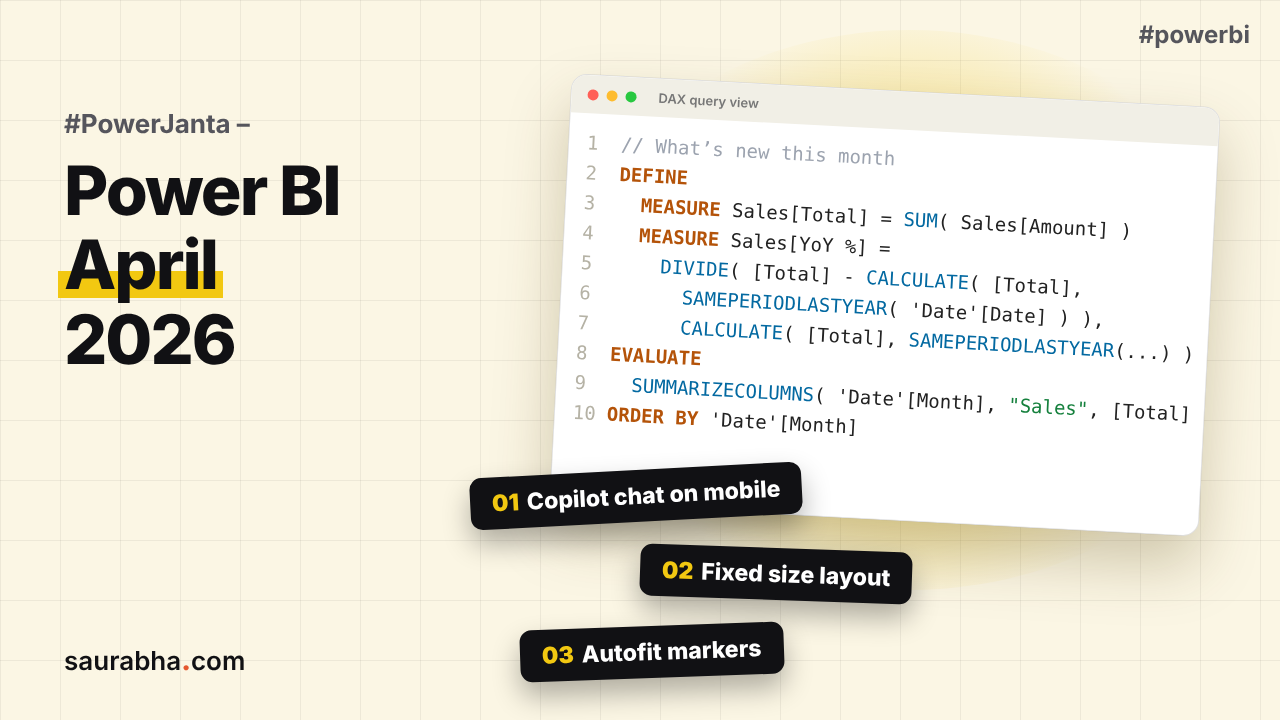
In-report Copilot on mobile gets chat
Ask questions about the report you are viewing, get AI-generated visuals and follow up with more questions. Answers carry citations to the source visuals.

Reporting
Fixed size layout for cards, button slicers and list slicers
Set exact pixel dimensions for each item instead of a count. If the container is too small, scroll bars appear. Autogrid is renamed to Fit to space.

Scatter chart – Autofit markers
Markers near the edges no longer get clipped, and you don't have to fiddle with min and max axis values.
Axis improvements for bar and column charts
A Rounded range option removes extra padding so the axis starts flush with the data, and adding data labels no longer shifts the axis range.
Heads up
Old file picker is gone
From the April release the old file picker in Power BI Desktop is no longer available and the updated one is the default.
If you like this content or want me to stress on something, feel free to reach out to me at me@saurabha.com with your comments, suggestions and feedback.
Check out my previous post titled #PowerJanta – Power BI March 2026 Feature Summary. To know more about #PowerJanta, click here.
Image Credits: Microsoft’s Official Power BI April 2026 Feature Summary
Keep reading
#PowerJanta – Power BI November 2026 Feature Summary
My picks from the Power BI November 2026 Feature Summary: style presets GA, list slicer dropdown GA, date picker as default slicer and org app audience conversion.
#PowerJanta – Power BI October 2026 Feature Summary
My picks from the Power BI October 2026 Feature Summary: chart plot area colors, auto-expand hierarchy axis, the custom visual skill and the mobile page indicator.
#PowerJanta – Power BI September 2026 Feature Summary
My picks from the Power BI September 2026 Feature Summary: agentic authoring GA, data answers in M365 Copilot Chat, Design ribbon and PBIP GA.