#PowerJanta – Power BI March 2026 Feature Summary
· 2 min read
On this page
#PowerJanta – Power BI March 2026 Feature Summary
Here is my selection of noteworthy highlights from Microsoft Power BI March 2026 Feature Summary.
Reporting
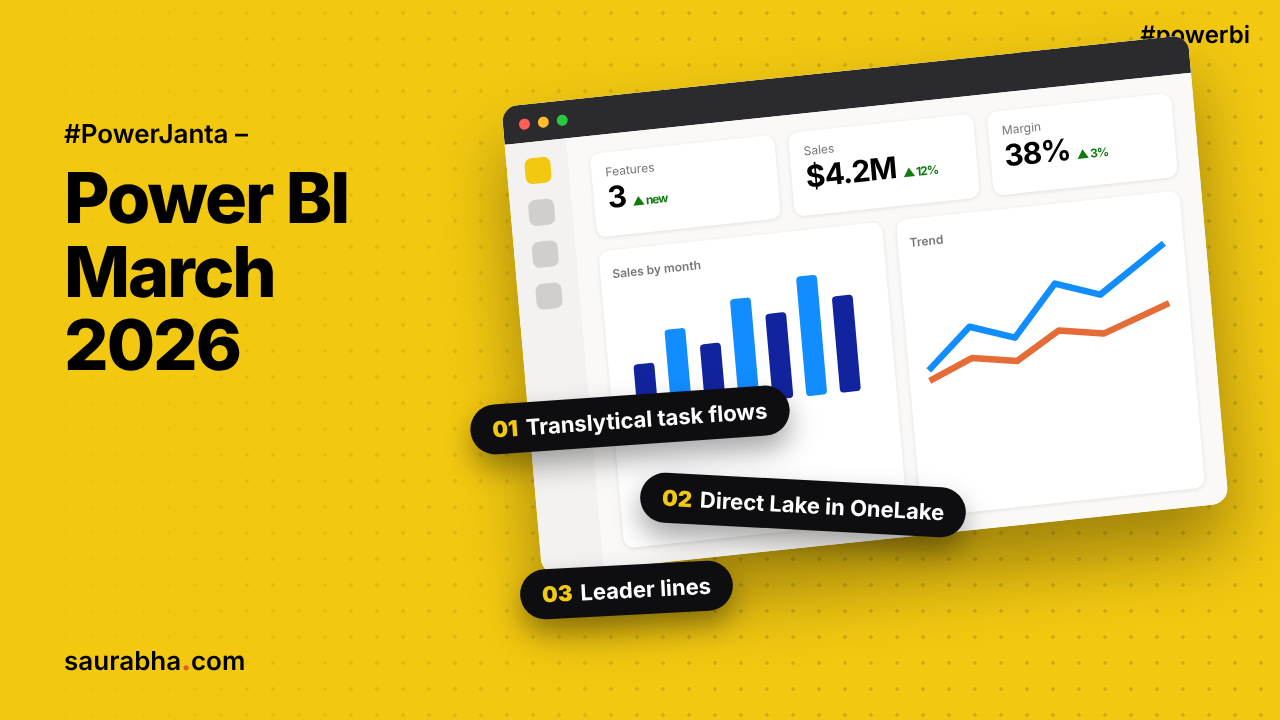
Translytical task flows – Generally Available
End users can now take action right from a report, such as updating records, adding annotations or triggering workflows in other systems. It uses Fabric user data functions behind the scenes.

Leader lines for series labels
Line charts get leader lines connecting each series label to its line, with smart layout to avoid collisions in dense charts.


Report theme updates
You can set a default page size inside the theme JSON and reference structural colours such as background and foreground.
Modeling
Direct Lake in OneLake – Generally Available
Power BI standardises on Delta Lake and Parquet, so Direct Lake works directly against OneLake without the usual data refreshes, and it works from Power BI Desktop too.

Copilot and AI
Copilot pane experience update
The pane in Reports and Apps now looks and feels like standalone Copilot, and the input box stays enabled while a request is processing.

If you like this content or want me to stress on something, feel free to reach out to me at me@saurabha.com with your comments, suggestions and feedback.
Check out my previous post titled #PowerJanta – Power BI February 2026 Feature Summary. To know more about #PowerJanta, click here.
Image Credits: Microsoft’s Official Power BI March 2026 Feature Summary
Keep reading
#PowerJanta – Power BI November 2026 Feature Summary
My picks from the Power BI November 2026 Feature Summary: style presets GA, list slicer dropdown GA, date picker as default slicer and org app audience conversion.
#PowerJanta – Power BI October 2026 Feature Summary
My picks from the Power BI October 2026 Feature Summary: chart plot area colors, auto-expand hierarchy axis, the custom visual skill and the mobile page indicator.
#PowerJanta – Power BI September 2026 Feature Summary
My picks from the Power BI September 2026 Feature Summary: agentic authoring GA, data answers in M365 Copilot Chat, Design ribbon and PBIP GA.