#PowerJanta – Power BI February 2026 Feature Summary
· 2 min read
On this page
#PowerJanta – Power BI February 2026 Feature Summary
Here is my selection of noteworthy highlights from Microsoft Power BI February 2026 Feature Summary.
Copilot and AI
Copilot prompt limit raised to 10K characters
The input limit was 500 characters and is now 10K across Standalone, Report pane, Apps, Mobile and Embed. Finally, room for a proper prompt.
Reporting
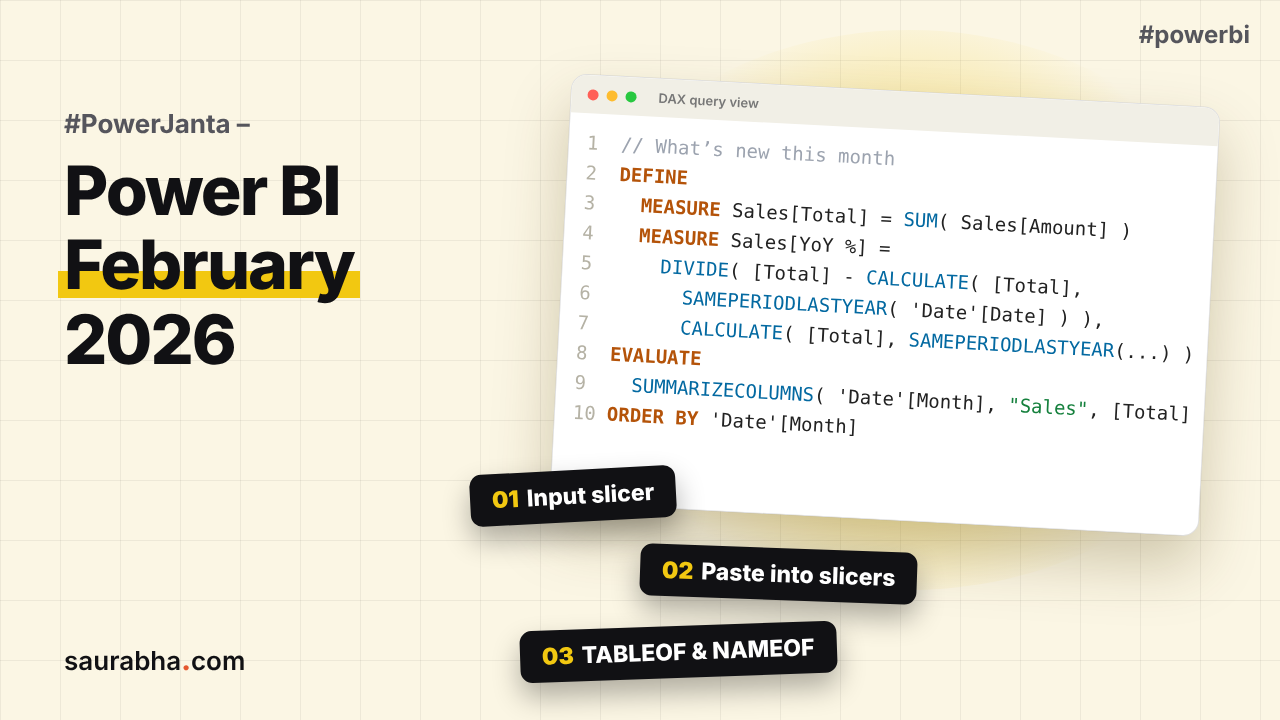
Input slicer – Generally Available
The Text Slicer is renamed to Input Slicer and is now GA. Type free-form text and filter with exact match, contains or starts with.

Paste selections into any slicer
Right-click a slicer and paste a list of values to apply many selections at once. If you have ever had to click 40 items one by one, you know why this matters.

Card visual updates
The default number of callouts goes up from 5 to 10, and selecting a category name now filters other visuals on the page.


Modeling
TABLEOF and NAMEOF DAX functions
TABLEOF returns a reference to the table behind a column, measure or calendar, and NAMEOF returns the name of an object as text. Both help you write DAX that is safer and easier to maintain.
Heads up
Legacy Import Excel & CSV experience in the Service
Entry points are removed on 31 May 2026. Semantic models created this way stop refreshing on 31 July 2026 and stop loading on 31 August 2026, so check your workspaces for these.
Hierarchies in scorecards
Hierarchies in Power BI scorecards (and the Heatmap view tied to them) will be removed from 15 April 2026. Scorecards themselves continue to work.
If you like this content or want me to stress on something, feel free to reach out to me at me@saurabha.com with your comments, suggestions and feedback.
Check out my previous post titled #PowerJanta – Power BI January 2026 Feature Summary. To know more about #PowerJanta, click here.
Image Credits: Microsoft’s Official Power BI February 2026 Feature Summary
Keep reading
#PowerJanta – Power BI November 2026 Feature Summary
My picks from the Power BI November 2026 Feature Summary: style presets GA, list slicer dropdown GA, date picker as default slicer and org app audience conversion.
#PowerJanta – Power BI October 2026 Feature Summary
My picks from the Power BI October 2026 Feature Summary: chart plot area colors, auto-expand hierarchy axis, the custom visual skill and the mobile page indicator.
#PowerJanta – Power BI September 2026 Feature Summary
My picks from the Power BI September 2026 Feature Summary: agentic authoring GA, data answers in M365 Copilot Chat, Design ribbon and PBIP GA.