#PowerJanta – Power BI June 2026 Feature Summary
· 2 min read
On this page
#PowerJanta – Power BI June 2026 Feature Summary
Here is my selection of noteworthy highlights from Microsoft Power BI June 2026 Feature Summary.
Modeling
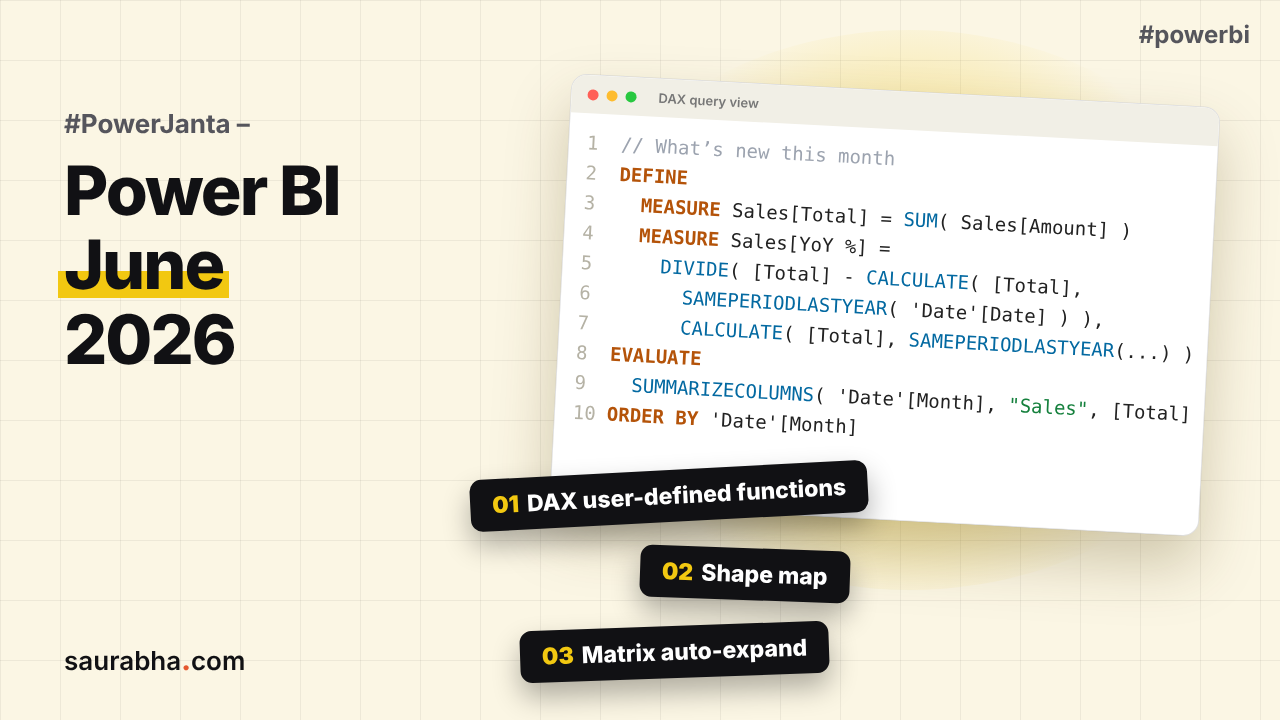
DAX user-defined functions – Generally Available
UDFs are GA with reusable, typed function signatures across Desktop and web modeling. A big step for anyone who copies the same DAX pattern again and again.
DAX query view – sort and filter results
The result grid now has sort and filter controls, so you don't have to rewrite the query to inspect the output.

Reporting
Shape map – Generally Available
Built-in maps, custom TopoJSON or GeoJSON uploads, URL-based map references and the ability to download an uploaded custom map for reuse.

Matrix header auto-expand – Generally Available
New hierarchy levels open expanded by default for row and column headers.

Other
Power BI tabs in Teams private and shared channels
Reports can now be embedded in scoped collaboration spaces.

If you like this content or want me to stress on something, feel free to reach out to me at me@saurabha.com with your comments, suggestions and feedback.
Check out my previous post titled #PowerJanta – Power BI May 2026 Feature Summary. To know more about #PowerJanta, click here.
Image Credits: Microsoft’s Official Power BI June 2026 Feature Summary
Keep reading
#PowerJanta – Power BI November 2026 Feature Summary
My picks from the Power BI November 2026 Feature Summary: style presets GA, list slicer dropdown GA, date picker as default slicer and org app audience conversion.
#PowerJanta – Power BI October 2026 Feature Summary
My picks from the Power BI October 2026 Feature Summary: chart plot area colors, auto-expand hierarchy axis, the custom visual skill and the mobile page indicator.
#PowerJanta – Power BI September 2026 Feature Summary
My picks from the Power BI September 2026 Feature Summary: agentic authoring GA, data answers in M365 Copilot Chat, Design ribbon and PBIP GA.