#PowerJanta – Power BI May 2026 Feature Summary
· 2 min read
On this page
#PowerJanta – Power BI May 2026 Feature Summary
Here is my selection of noteworthy highlights from Microsoft Power BI May 2026 Feature Summary.
Reporting
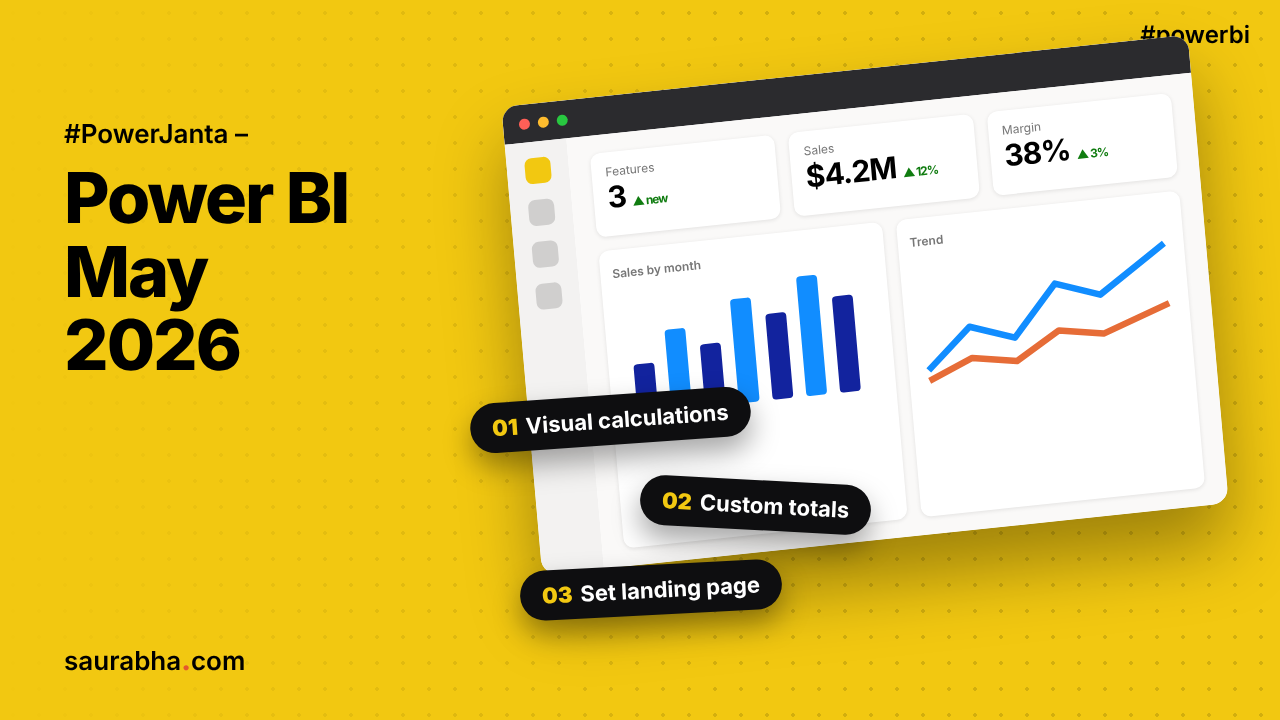
Visual calculations – Generally Available
Add running sums, moving averages, percent of parent and more directly on a visual, without adding measures to the model. Select a visual and choose New visual calculation from the ribbon.

Custom totals – Generally Available
In tables and matrices you can choose what the total row shows: Sum, Min, Max, Count, Count Distinct, and now None and Average too.

Set as landing page – Generally Available
Right-click a page tab and set it as the landing page so viewers always start where you want them to.

Copilot and AI
Copilot summary shortcuts
A Summarize button on the report ribbon gives a report-wide summary, and a Copilot summary option on the visual header summarises a single visual.

Modeling
Faster access to web modeling
If you can edit a semantic model you are taken straight to web modeling instead of the model details page.

If you like this content or want me to stress on something, feel free to reach out to me at me@saurabha.com with your comments, suggestions and feedback.
Check out my previous post titled #PowerJanta – Power BI April 2026 Feature Summary. To know more about #PowerJanta, click here.
Image Credits: Microsoft’s Official Power BI May 2026 Feature Summary
Keep reading
#PowerJanta – Power BI November 2026 Feature Summary
My picks from the Power BI November 2026 Feature Summary: style presets GA, list slicer dropdown GA, date picker as default slicer and org app audience conversion.
#PowerJanta – Power BI October 2026 Feature Summary
My picks from the Power BI October 2026 Feature Summary: chart plot area colors, auto-expand hierarchy axis, the custom visual skill and the mobile page indicator.
#PowerJanta – Power BI September 2026 Feature Summary
My picks from the Power BI September 2026 Feature Summary: agentic authoring GA, data answers in M365 Copilot Chat, Design ribbon and PBIP GA.